· Ad Studio Team
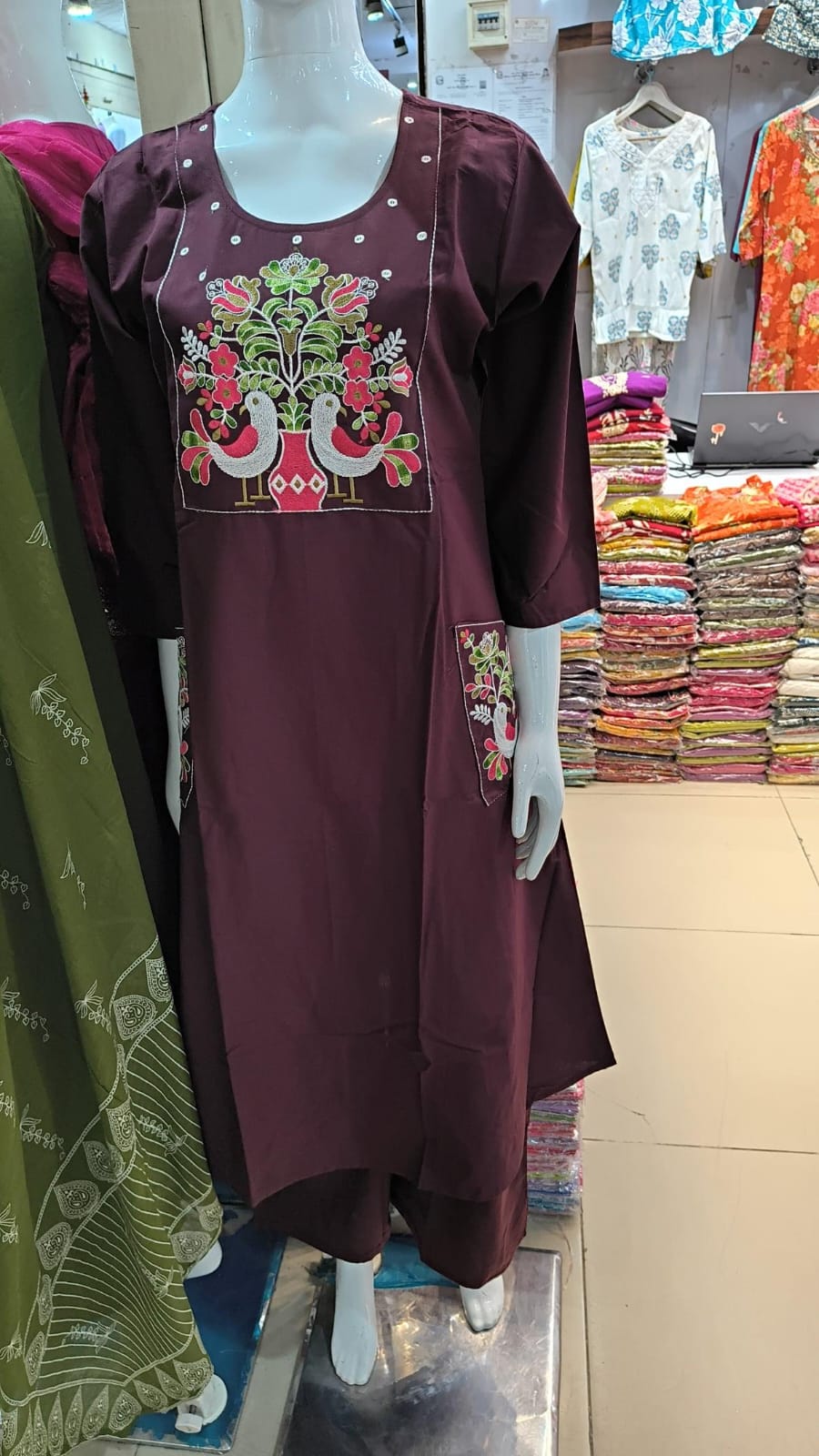
Use Image Studio to generate, edit, and export ad-ready visuals with an agent-assisted canvas.
Image StudioDesignCreatives
Meet Image Studio
Image Studio combines an AI agent, sandbox canvas, and design toolbar in one editor.
Create from scratch
Open Image Studio, describe your visual, and generate directly on the artboard.
Edit existing creatives
Send an image from your library or dashboard into Image Studio for quick refinements.
Agent + design together
Ask the agent for variations while using the toolbar for text, shapes, and layout tweaks.
Export for campaigns
Download high-resolution assets for paid social, landing pages, and video thumbnails.
Recommended sizes
- 9:16 — Stories, Reels, TikTok
- 1:1 — Feed posts
- 16:9 — YouTube and display
Start with one strong visual, then reuse it across video and static formats for consistent branding.